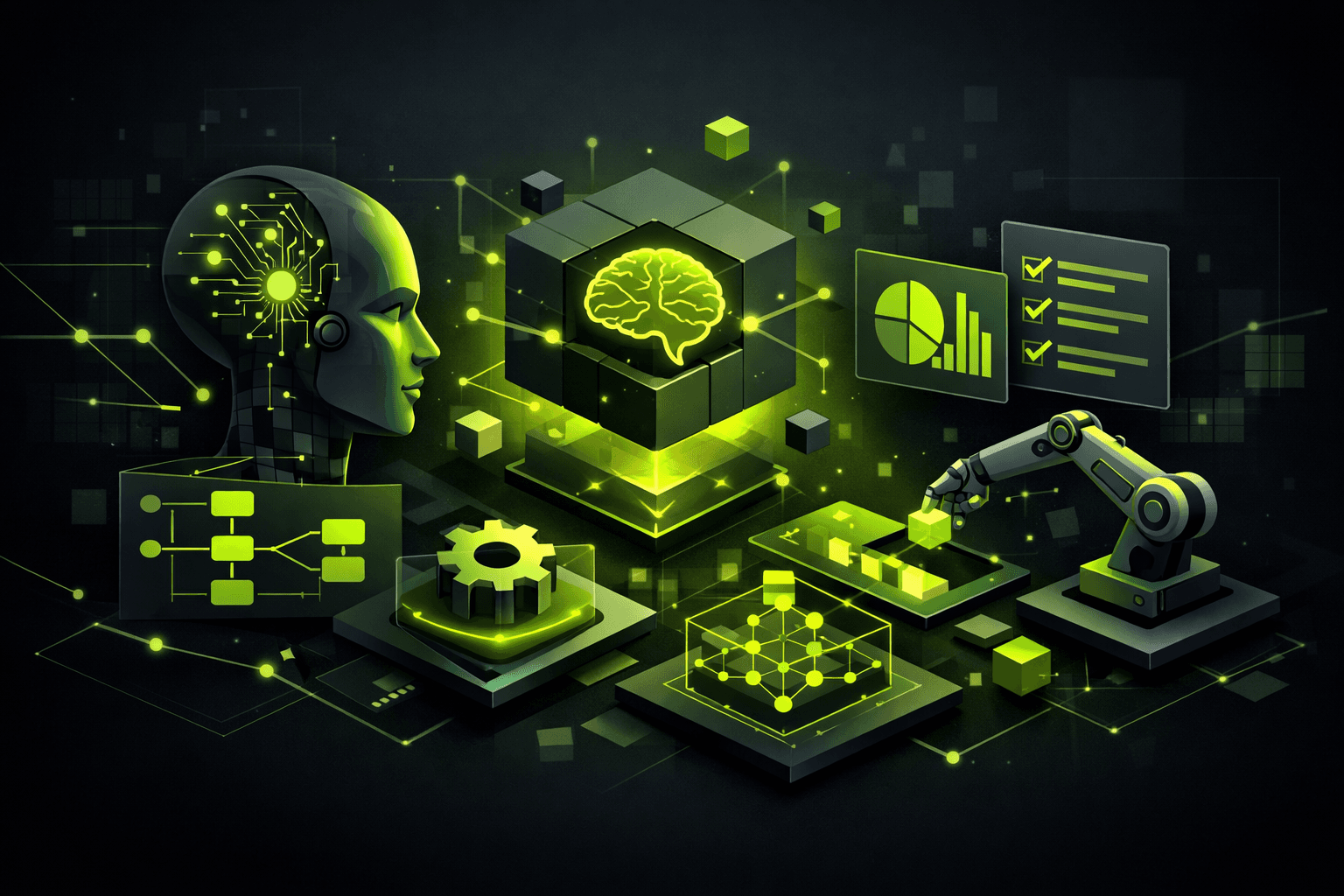
Complete Guide to Microsoft Power Platform: Tools and Capabilities
Key Takeaways
Understand the core components of the Microsoft Power Platform including Power Apps, Power Automate, Power BI, and Power Virtual Agents, and their unique functionalities.
Learn about the latest enhancements and updates in the Power Platform as of 2026, such as the new AI capabilities in Power Apps and advanced workflow features in Power Automate.
Explore integration and customization capabilities of Power Apps and Power Automate, including the use of Azure Cognitive Services and new connectors for enhanced functionality.
Discover practical applications and real-world use cases of Power Platform tools, showcasing their role in streamlining business processes and improving operational efficiency.
Gain insights into best practices for implementing and managing Power Platform solutions, emphasizing data governance, security with Azure Active Directory, and performance optimization.
Find answers to frequently asked questions about the Microsoft Power Platform, addressing common misconceptions and providing clarity on its capabilities and limitations.
Introduction to Microsoft Power Platform
The Microsoft Power Platform is a comprehensive suite of tools designed to empower organizations by enabling them to analyze data, automate processes, build applications, and create virtual agents without extensive coding knowledge. Leveraging this platform allows businesses to enhance efficiency and drive innovation across their operations.
The Power Platform is comprised of four primary tools: Power BI, Power Apps, Power Automate, and Power Virtual Agents.
Power BI is a powerful business analytics tool that allows users to visualize data and share insights across an organization, or embed them in an app or website. As of the 2026 Release Wave 1, Power BI includes advanced data modeling features and improved integration with Azure Synapse Analytics, making it an even more robust choice for data-driven decision-making.
Power Apps enables users to build custom applications tailored to specific business needs. The introduction of Power Apps Component Framework (PCF) 2.0 offers advanced customization options, allowing developers to create more sophisticated and user-friendly applications. This tool empowers both citizen developers and professional developers to create apps that enhance productivity and streamline workflows.
Power Automate, formerly known as Microsoft Flow, is designed for automating workflows between various applications and services. The latest enhancements include support for robotic process automation (RPA), which allows the automation of both desktop and cloud tasks. New connectors for popular third-party services have also been introduced, expanding the tool's versatility.
Power Virtual Agents allows users to create AI-powered chatbots that can engage with customers and employees alike. With expanded natural language processing (NLP) capabilities and integration with additional data sources, chatbots built with Power Virtual Agents can provide more intuitive and effective interactions.
To explore more about how these tools can be implemented in your organization, visit the Power Platform documentation.
Deep Dive into Power Apps
Power Apps empowers users to build custom applications quickly with a low-code approach, leveraging the latest enhancements in AI and integration capabilities.
Building Custom Applications
The introduction of Power Apps Component Framework (PCF) 2.0 in the 2026 Release Wave 1 has transformed the way developers create custom components. PCF 2.0 allows developers to utilize advanced customization options with custom code. For instance, developers can now create reusable components that enhance app functionality beyond standard controls. An example of this is integrating a custom calendar component that syncs with Microsoft Outlook, providing seamless scheduling within an app.
Developers can access PCF 2.0 through the Power Apps CLI, which provides comprehensive tools for creating and managing components. The CLI supports TypeScript and React, offering a robust development environment for modern web applications.
pac pcf init --namespace SampleNamespace --name CustomCalendar --template fieldIntegrating with Other Microsoft Services
Power Apps' integration with other Microsoft services such as Azure, Dynamics 365, and Microsoft 365 is a pivotal feature. This integration allows applications to leverage data and services from across the Microsoft ecosystem, enhancing functionality and user experience.
For example, by using Dataverse as a data backbone, Power Apps can seamlessly interact with Dynamics 365. A sales app built with Power Apps can display real-time customer data fetched from Dynamics 365, enabling sales teams to make informed decisions. This interoperability is further enhanced by AI capabilities integrated with Azure Cognitive Services, providing features like sentiment analysis and image recognition directly within apps.
Exploring Power Automate Capabilities
Power Automate, part of the Microsoft Power Platform, empowers users to build automated workflows between applications and services. With the 2026 Release Wave 1, Power Automate introduces advanced robotic process automation (RPA) capabilities alongside new connectors, broadening the scope of automation possibilities.
Creating Automated Workflows
Automated workflows in Power Automate streamline repetitive tasks by connecting various services. As of the latest release, users can leverage over 400 connectors, including new additions for popular third-party services like Salesforce and Slack. To create a workflow, navigate to the Power Automate portal and select 'Create' to start a new flow. Use the intuitive drag-and-drop interface to define triggers and actions. For example, you might automate the process of sending a notification email when a new file is added to a SharePoint folder.
Advanced automation techniques include the use of conditions and loops. By utilizing expressions in Power Fx, users can customize complex logical conditions. For instance, you can create a condition to check if a specific field in a database entry exceeds a certain value before triggering an alert.
Implementing Robotic Process Automation
Robotic Process Automation (RPA) in Power Automate is designed to handle tasks that require human intervention. The 2026 update enhances desktop automation capabilities, allowing for more seamless integration with Windows applications. To implement RPA, first install the Power Automate Desktop application. This tool provides a rich set of actions to automate desktop tasks, such as data entry or report generation.
For example, using RPA, you can automate the extraction of data from invoices received via email and input this data into a financial application. The desktop recorder feature captures user actions to expedite flow creation, significantly reducing the time needed to develop complex automations.
Microsoft's focus on enhancing Power Automate's RPA capabilities aims to improve operational efficiency and reduce manual workload across industries. For more detailed guidance, visit the Power Automate documentation.
Leveraging Power BI for Data Insights
Power BI offers sophisticated data modeling and AI-powered insights, key for transforming raw data into actionable intelligence. Its integration with Azure Synapse Analytics enhances data processing capabilities, making it a formidable tool in the Microsoft ecosystem.
Advanced Data Modeling
Power BI's data modeling features allow users to create complex models using a straightforward interface. As of the latest release, Power BI supports DAX (Data Analysis Expressions) for creating calculated columns and measures, enabling detailed analysis without extensive programming knowledge. This capability is enhanced in version 2.95, where new DAX functions such as GROUPBY and ROLLUP enable more nuanced data summarization.
Additionally, Power BI's relationship management tools allow users to define relationships between tables, an essential feature for building comprehensive reports. The inclusion of Composite Models supports data from various sources, including SQL Server, Excel, and SharePoint, without requiring data duplication. This feature optimizes performance and ensures data integrity.
Generating AI-Powered Insights
Power BI's AI capabilities are bolstered by integration with Azure Cognitive Services, allowing users to leverage machine learning models directly within their reports. The Key Influencers visual, for example, uses AI to identify factors that drive key business metrics, providing users with actionable insights right out of the box.
In the 2026 Release Wave 1, Power BI introduced Smart Narratives, an AI feature that automatically generates narrative summaries of key insights within reports. This functionality not only enhances report storytelling but also aids users in making data-driven decisions rapidly.
Integration with Azure Synapse Analytics further expands Power BI's capabilities by enabling real-time analytics on large data sets across hybrid environments. This integration allows for seamless data movement and transformation between Power BI and Synapse, ensuring that users have access to the most up-to-date insights.
Enhancing User Interaction with Power Virtual Agents
Power Virtual Agents significantly enhance user interaction by enabling the creation of intuitive chatbots and leveraging advanced natural language processing. The April 2026 Release Wave 1 has introduced even more robust features in these areas.
Creating Intuitive Chatbots
Creating chatbots with Power Virtual Agents is straightforward and requires no coding expertise. This tool allows you to design a conversational interface that can address user queries and automate support tasks. As of version 2026 Release Wave 1, the bot creation process has been streamlined, offering drag-and-drop functionalities in the bot designer.
A significant enhancement is the expanded integration with data sources. You can now connect your chatbot to a wider range of services, including SharePoint, Dynamics 365, and third-party APIs. This allows for more dynamic and contextually aware interactions. For instance, a chatbot could pull customer data from Dynamics 365 in real-time to personalize responses.
To configure these integrations, navigate to the 'Data' section in your Power Virtual Agents portal, then select 'Add data source'. Follow the prompts to connect to your chosen service, ensuring you have the necessary permissions and credentials.
Utilizing Natural Language Processing
Natural Language Processing (NLP) is a core feature of Power Virtual Agents that allows chatbots to understand and respond to user inputs more naturally. In the latest update, NLP capabilities have been enhanced to support more complex queries and multiple languages, expanding global usability.
To make use of these capabilities, ensure your chatbot is trained with diverse language models by accessing the 'Topics' section. Here you can add variations of user expressions and responses, which the NLP engine will use to refine its understanding. For technical guidance, refer to the Power Virtual Agents documentation.
These advancements in chatbot capabilities and NLP ensure that Power Virtual Agents can handle more sophisticated interaction scenarios, enhancing both user satisfaction and operational efficiency.
Practical Application of Microsoft Power Platform
The Microsoft Power Platform enables businesses across industries to automate processes, build applications, and analyze data efficiently. By leveraging tools like Power Apps, Power Automate, Power BI, and Power Virtual Agents, organizations can transform their operations to be more agile and data-driven.
For instance, a healthcare provider utilized Power Apps to develop a mobile app for managing patient appointments and records. By using Power Apps Component Framework (PCF) 2.0, they customized the user interface to seamlessly integrate with their existing systems, enhancing patient engagement and operational efficiency.
In the manufacturing sector, a company implemented Power Automate to optimize their supply chain processes. By automating the inventory management workflows, they reduced manual errors and improved the speed of order processing. The addition of robotic process automation (RPA) in the latest release allowed them to integrate seamlessly with legacy desktop applications.
A financial services firm used Power BI to gain insights into customer data and market trends. The tool's advanced data modeling features and integration with Azure Synapse Analytics enabled them to process large datasets and generate predictive analytics, driving strategic business decisions.
In retail, companies have successfully deployed Power Virtual Agents to create chatbots that handle customer inquiries 24/7. This not only improved customer satisfaction but also reduced the workload on human agents. The enhanced natural language processing (NLP) capabilities introduced in the 2026 release wave have made these interactions more intuitive and effective.
These examples highlight how the Power Platform can be tailored to meet specific industry needs, offering robust solutions that enhance productivity and efficiency. For further details on these case studies, visit the Microsoft Power Platform documentation.
Best Practices for Power Platform Implementation
Implementing Microsoft Power Platform solutions effectively requires strategic planning and adherence to best practices. This section delves into expert recommendations for deploying Power Platform solutions, covering key areas such as data governance, security, and performance optimization.
Data Governance in Power Platform
Data governance is critical to maintain the integrity and security of data within the Power Platform. Begin by establishing a clear data governance policy that outlines data classification, access controls, and auditing processes. Utilize the Data Loss Prevention (DLP) policies in Power Platform to restrict data sharing across environments. Navigate to Power Platform Admin Center > Data Policies to create and manage DLP policies effectively.
In real-world scenarios, a company may leverage these policies to prevent sensitive customer data from being accessed by unauthorized Power Apps or Power Automate flows. By classifying data and setting up environment-level DLP policies, organizations can ensure compliance with industry standards such as GDPR.
Security Best Practices
Security within the Power Platform is paramount to protect organizational data and user access. Implementing Azure Active Directory (AAD) for authentication and authorization is a best practice. Configure role-based access control by navigating to Azure Active Directory > Roles and Administrators. Assign users appropriate roles based on their job requirements to limit data exposure.
A practical application of this is seen in a manufacturing company that uses Power Apps to manage inventory. By setting up role-based access, only inventory managers can update stock levels, while general employees can only view data, thus minimizing the risk of unauthorized modifications.
Performance Optimization Tips
Optimizing performance in Power Platform applications involves regular monitoring and adjustments. Utilize Performance Insights available in Power Apps > Apps > Insights to track application performance metrics. Identifying slow-running queries or heavy data operations can help pinpoint performance bottlenecks.
In one instance, an e-commerce business optimized their Power Automate workflows by restructuring their data queries, which reduced processing time by 30%. Regularly reviewing and optimizing app logic and data calls can significantly enhance user experience and system responsiveness.
Other pro tips include using the Monitor Tool in Power Apps to debug and analyze app behavior and leveraging Data Integration features to ensure efficient data flow across applications. Regular updates and training for users can also contribute to smoother operations.
FAQ
What is Microsoft Power Platform?
The Microsoft Power Platform is a suite of tools designed to empower users to create apps, automate workflows, analyze data, and build virtual agents. As of the 2026 release, it includes Power Apps, Power Automate, Power BI, and Power Virtual Agents. This platform leverages low-code/no-code capabilities to help both citizen and professional developers enhance productivity. For example, Power Apps allows the creation of custom applications with minimal coding, while Power BI provides powerful data analytics and visualization tools.
Why is Microsoft Power Platform important for businesses?
Microsoft Power Platform is critical for businesses seeking to streamline operations and foster innovation. It enables rapid development and deployment of solutions tailored to specific business needs without extensive IT involvement. For instance, Power Automate can automate repetitive tasks, reducing manual effort and errors. Additionally, the platform's integration with other Microsoft services, such as Azure and Dynamics 365, ensures seamless data flow and enhanced decision-making capabilities. According to a 2025 Microsoft study, businesses using Power Platform reported a 15% increase in operational efficiency.
How do I get started with Microsoft Power Platform?
To get started with Microsoft Power Platform, sign up for a free trial on the official Microsoft Power Platform website. Begin by exploring each tool: use Power Apps to create a simple app, Power Automate to set up a basic workflow, and Power BI to visualize data. Microsoft Learn provides comprehensive tutorials and guided learning paths. Additionally, engaging with the community forums on powerusers.microsoft.com can help you connect with other users and experts for support and inspiration.
What are common mistakes with Microsoft Power Platform?
Common pitfalls in using Microsoft Power Platform include neglecting data governance and security, failing to optimize app performance, and underestimating the importance of user training. For example, not implementing robust data governance can lead to data quality issues and compliance risks. It's crucial to use Azure Active Directory for secure authentication and to regularly monitor app performance to ensure responsiveness. Additionally, investing in user training ensures that employees can fully leverage the tools, maximizing the platform’s benefits.
How does Power Apps compare to traditional app development?
Power Apps differs from traditional app development by offering a low-code environment that allows users to create apps quickly without deep programming knowledge. Traditional development typically requires extensive coding expertise and longer development cycles. With Power Apps, users can leverage pre-built templates and drag-and-drop functionality to accelerate app creation. Moreover, the integration with Azure Cognitive Services and AI Builder in the 2026 release enhances app capabilities with minimal effort, a feature not commonly found in traditional development frameworks.
What are the costs involved with Microsoft Power Platform?
Costs for Microsoft Power Platform vary based on the specific tools and licenses required. As of the latest release, pricing is typically subscription-based and may include different tiers, such as per user or per app plans. Power Apps, for instance, offers plans starting from a basic tier to more comprehensive packages, including AI capabilities. It's advisable to verify at microsoft.com for current pricing as these details frequently update. Additionally, organizations should consider potential additional costs for premium connectors or integrations with other Microsoft services.
What resources should I use to learn more about Microsoft Power Platform?
To deepen your knowledge of Microsoft Power Platform, start with the extensive resources available on Microsoft Learn. This platform provides structured learning paths and modules covering each tool. Engage with the Power Platform community through forums and blogs on powerusers.microsoft.com to gain insights from other users’ experiences. Additionally, attending webinars and Microsoft-hosted events can provide practical insights and updates on the latest features and best practices.
Conclusion and Next Steps
The Microsoft Power Platform offers a comprehensive suite of tools—Power Apps, Power Automate, Power BI, and Power Virtual Agents—that empower users to create powerful solutions for their business needs. With the 2026 Release Wave 1, enhancements have been made across all these tools, improving AI capabilities, integration options, and workflow automation.
To summarize, Power Apps now integrates seamlessly with Azure Cognitive Services, which allows developers to enhance their applications with sophisticated AI features. This can be particularly useful for scenarios that require image recognition or natural language processing. The Power Apps Component Framework (PCF) 2.0 also provides developers with enhanced customization capabilities. For more information, you can refer to the Power Apps documentation.
Power Automate continues to broaden its utility with new connectors for third-party services and advanced RPA (Robotic Process Automation) features. This makes it a versatile tool for automating both cloud and desktop tasks. If you're looking to start with Power Automate, begin by exploring the Power Automate documentation to understand how to implement these features effectively.
Power BI's enhanced data modeling features make it an indispensable tool for deriving AI-powered insights. Integration with Azure Synapse Analytics further boosts its data processing capabilities, making it ideal for organizations handling large datasets. To leverage these features, ensure your reports are aligned with organizational goals and performance metrics.
Finally, Power Virtual Agents' improved NLP capabilities facilitate more intuitive chatbot interactions, which can enhance customer service operations significantly. By integrating these agents with a variety of data sources, businesses can offer more personalized and efficient customer experiences.
Next Steps
Start by identifying key business processes that can benefit from automation and AI enhancements.
Experiment with Power Apps to build a simple application using the AI Builder and test its integration with Azure Cognitive Services.
Use Power Automate to create a flow that automates routine tasks, starting with a simple approval workflow.
Develop a Power BI dashboard to analyze and visualize data, utilizing the latest data modeling features for deeper insights.
Set up a basic Power Virtual Agent to handle customer queries and integrate it with your organization's data sources for a more personalized response.
Engage with the Power Platform community for support and to share ideas with other users.
By taking these steps, users can effectively harness the capabilities of the Microsoft Power Platform to drive innovation and efficiency within their organizations.
Build your Power Platform career with AI-powered guidance
Start Your Search — It's FreeNo credit card. No spam. Takes 2 minutes.
About the Author
Shahen
Microsoft Ecosystem Expert